

Live price
The price endpoint returns the current price for any token.Multiple token prices
Use the multi-price endpoint to fetch several price snapshots in one request.OHLCV chart data
The OHLCV endpoint returns candlestick data for charting. OHLCV means open, high, low, close, and volume.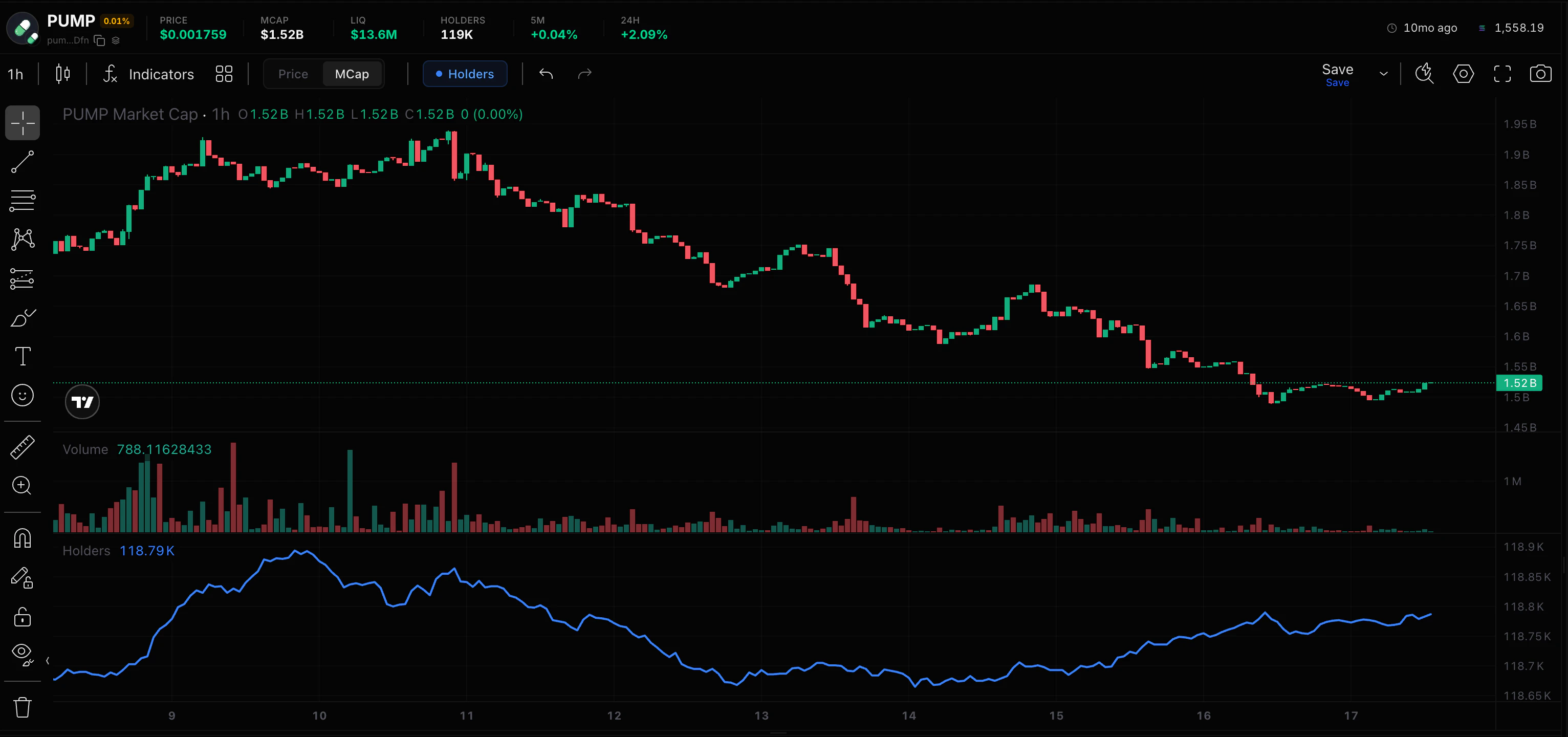
Candle intervals
Outlier removal
OHLCV responses remove extreme outliers by default. SetremoveOutliers=false when you need the unfiltered series:
Pool-specific charts
For tokens with multiple pools, use the pool-specific OHLCV endpoint to get candles from a specific pool:Historical prices
Price at a specific time
Use the timestamp price endpoint to request a historical price near a given time.Price history (time series)
The price history endpoint returns historical price data points.Price range (high/low)
The price range endpoint returns the minimum and maximum price within a time window.Example: build a price dashboard
Open-source chart examples
Liveline Chart
Minimal real-time line chart using the Datastream WebSocket.
TradingView Advanced Chart
Full TradingView integration with real-time candle updates.
Live prices
Stream real-time prices and build live updating charts.
Token overview
Full token lookup: stats, holders, trades, and events.