

identity to label wallets in holder tables, trade feeds, and leaderboards. A wallet can have several tags, and token-specific roles such as developer or pool depend on the token being queried.
Wallet tags are returned through the
identity object. A wallet can have multiple tags at once, so always read identity.tags as an array instead of assuming one label.Quick start
Wallet identity appears across PnL V2 wallet, token, leaderboard, and batch responses when a label is known.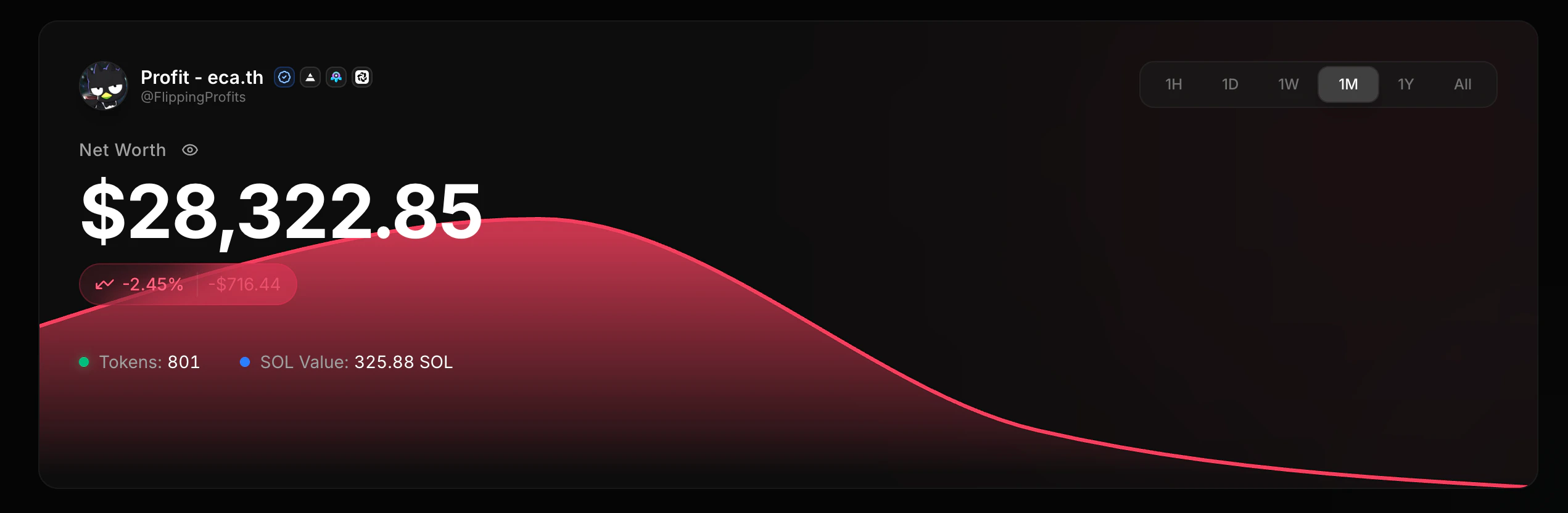
identity can be null.
identity.type is the primary tag for single-badge UIs. identity.tags is the complete tag list and should be used when you need every label.
For a single badge, read identity.type. For filters or multiple badges, read the full identity.tags array.
Raw wallet signals
Some wallet endpoints also return a rawtags object with lower-level arbitrage and platform signals:
identity.tags for UI labels and filtering logic. Use the raw tags object when you specifically need the underlying arbitrage/platform signals.
Supported wallet tags
axiom-flash is accepted as a platform query value, but identity responses normalize it to the axiom tag.Tag categories
People and bots
These tags distinguish the tracked KOL roster, named bots, heuristic bot signals, and curated arbitrage labels.potential_bot is a softer heuristic signal. bot and arbitrage are stronger curated labels.
Safety and infrastructure
Usehacker, spam_dusting, and exchange for safety warnings and infrastructure labels.
These tags are curated and may also promote a readable label into identity.name, for example an exchange name or spam-dusting label.
Token context
Usedeveloper and pool on token-scoped endpoints to find token creators, pool deployers, mint authorities, LP accounts, pool vaults, and bonding curve accounts.
Developer and pool roles are resolved against the mint in the request. The same wallet can have a different role for another token.
Platform filters
The endpoints below acceptplatform=axiom, platform=bloom, platform=photon, or comma-separated combinations.
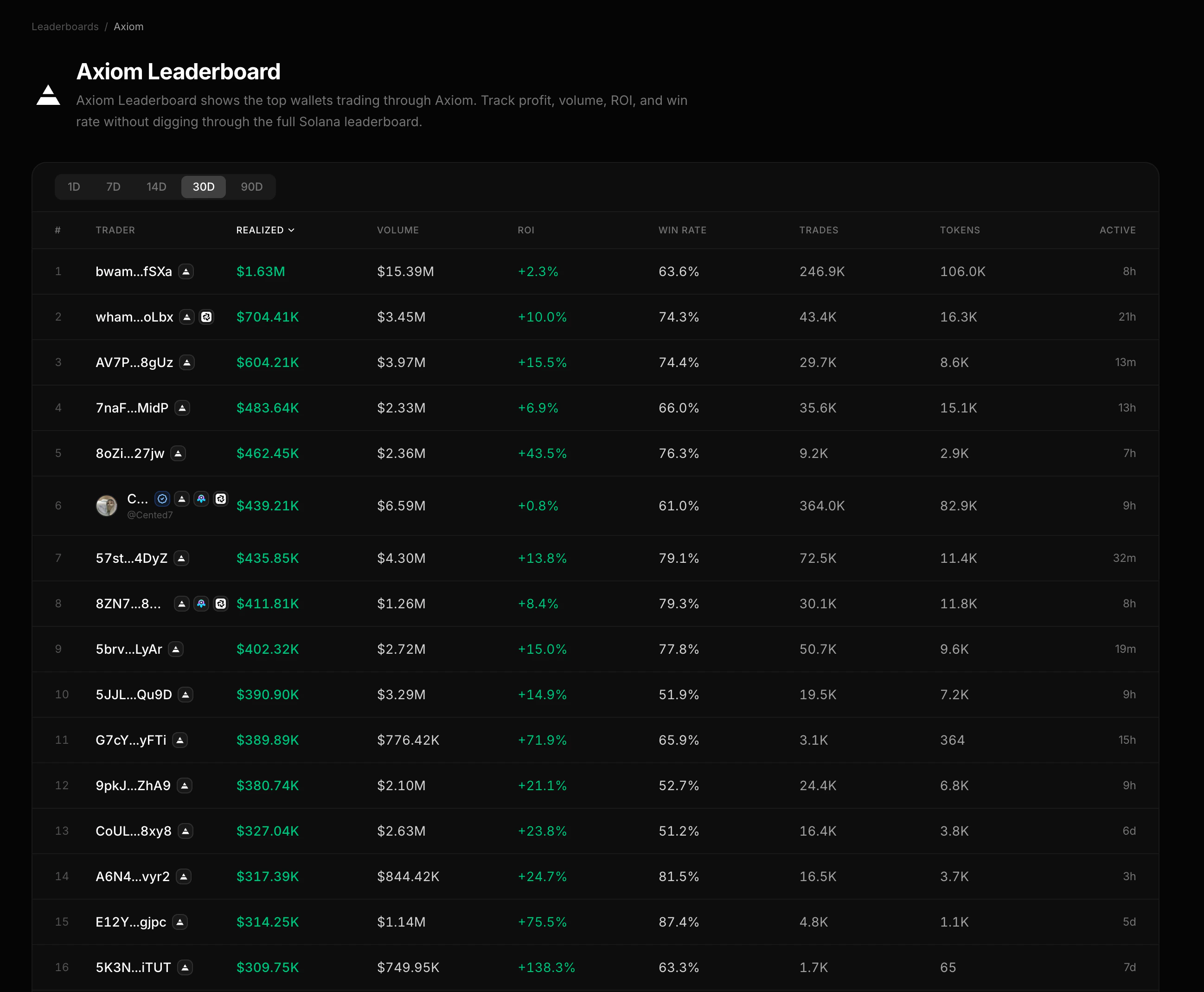
GET /v2/pnl/leaderboard/topGET /v2/pnl/tokens/:token/tradersGET /v2/pnl/tokens/:token/first-buyers
platform=axiom-flash is also accepted and is treated as axiom.
Where tags appear
Wallet identity is returned on PnL V2 wallet, token, leaderboard, and batch responses when the API can resolve a label.- Wallet summary and wallet positions return top-level
identity. - Token trader endpoints return
identityper trader. - Token-scoped endpoints resolve
developerandpoolfor the token in the URL. - Position batch endpoints return
identityper wallet or position. POST /v2/pnl/wallets/batchreturns bothidentityand rawtagsper wallet.
Common use cases
Faq
What is the difference between bot, potential_bot, and arbitrage?
What is the difference between bot, potential_bot, and arbitrage?
bot is a curated named bot label. potential_bot is a softer heuristic signal from wallet behavior. arbitrage is a confirmed MEV or arbitrage wallet label.Why does axiom-flash become axiom?
Why does axiom-flash become axiom?
axiom-flash is accepted for platform filtering, but identity responses normalize platform aliases so clients only need to handle the canonical axiom tag.How does SNS interact with other labels?
How does SNS interact with other labels?
SNS adds
identity.sns.domain and the sns tag when a primary .sol domain exists. Curated labels keep identity.name; SNS is attached in parallel (for example tags: ["kol", "sns"]). See SNS Primary Domain.